Stacked
Scenes
Layered 3D SVGs, ready to cut.
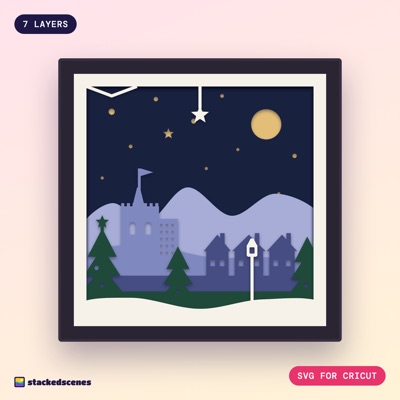
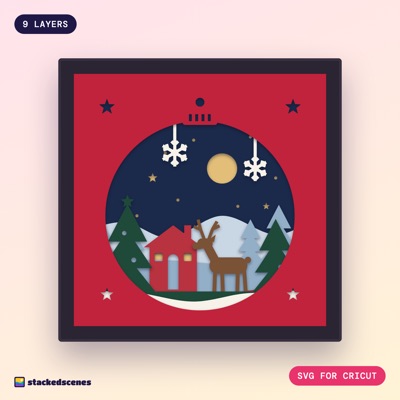
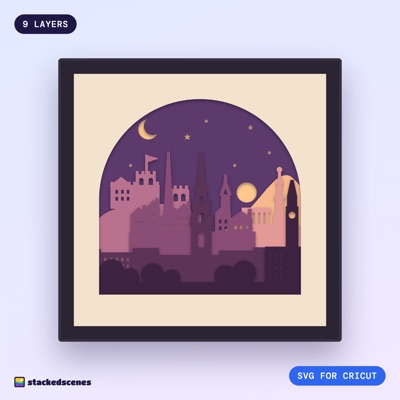
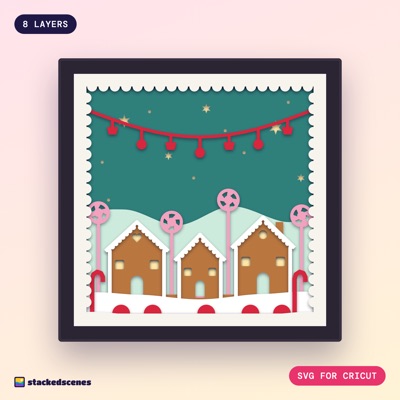
Layered shadow box designs for Cricut. Every layer is one clean cut, and every download comes with a colour guide and a step-by-step build.
Pick a scene
Christmas
Glowing winter scenes for the mantelpiece, made to light up with a string of fairy lights.
7 designsCities
Skylines and landmarks you know by heart, stacked layer by layer.
1 designOccasions
Weddings, new babies and big birthdays, ready to personalise.
Coming soonNature
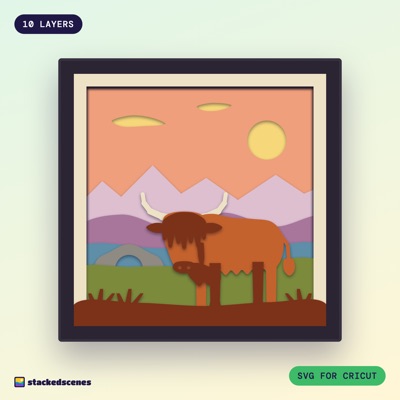
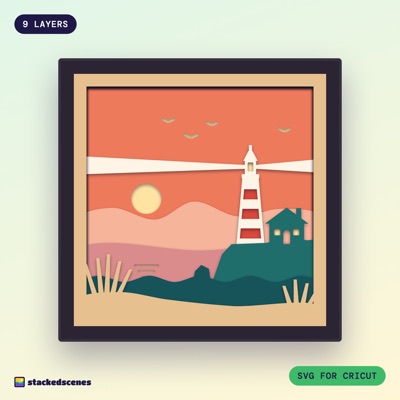
Glens, forests and coastlines in cut paper.
2 designsFrom download to glowing box in an afternoon
- Download the filesStraight after checkout. Everything comes zipped by format.
- Upload to Design SpaceUpload the combined SVG, check it is 8 × 8 in, then ungroup.
- Cut each layerOne sheet of cardstock per layer, in the colour from the guide.
- Stack with foamFoam pads between each layer build the depth and the shadows.
- Light it upA string of fairy lights behind layer 2, and it glows.
Cut Wee Bothy for free
A quick, satisfying build to try before you buy. It uses the same clean one-path layers as every paid design, with a colour guide and build instructions in the download.
Good to know
Which machines can cut these?
Any Cricut Maker, Explore or Joy Xtra, and Silhouette Cameo or Portrait. The frame is 8 × 8 in, so it fits a 12 × 12 in mat and letter or A4-ish cardstock. The original Cricut Joy is too narrow.
Silhouette Studio Basic can't open SVGs, so every download also includes DXF files.
What do I get in the download?
A combined SVG with every layer in its own colour, one SVG per layer, DXF files for Silhouette, PNGs, printable templates for hand cutting, and a PDF with the colour guide and step-by-step build.
What cardstock should I use?
65 to 80 lb (176 to 216 gsm) cardstock. Lighter card curls when you stack it; heavier card struggles with the fine detail. Each design comes with a suggested colour for every layer.
Do I need to weld or attach anything?
No. Every layer is one clean closed path, so it cuts as one piece straight away. There is nothing to weld, attach or clean up.